React Series: Create React Native Apps with create-react-native-app
Earlier when introducing create-react-app, I briefly mentioned create-react-native-app.
This tool is actually quite fun to use. The biggest advantage is that you can debug React Native apps on your computer without installing Xcode or Android Studio.
By computer, I mean Mac, Windows, and Linux!!!!
Create React Native App Installation
$ npm install -g create-react-native-app
$ create-react-native-app my-app
$ cd my-app/
$ npm start
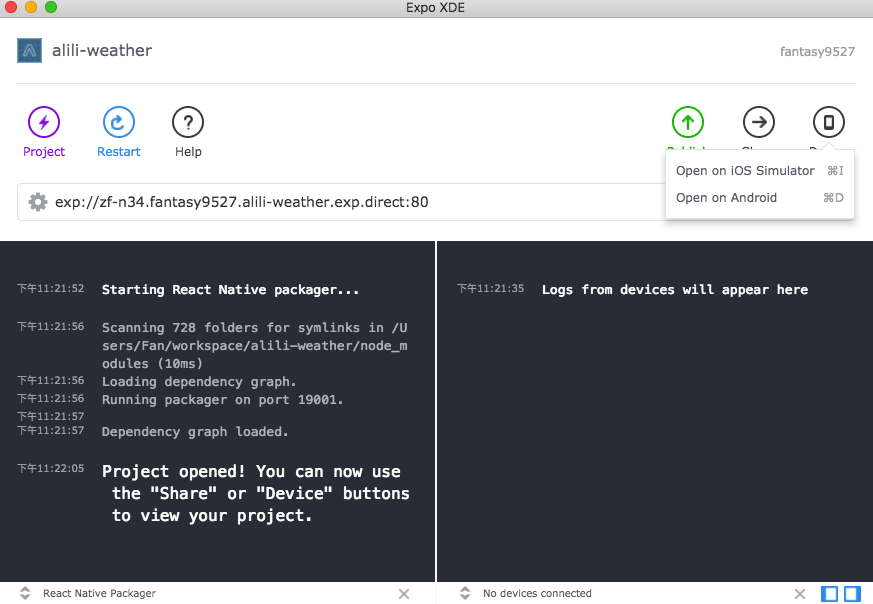
Install the Expo app on your iPhone or Android phone. After running npm start, a QR code will appear in the console. Scan it with the Expo app, and you can start remote debugging on your phone right away. It’s very convenient, though a bit slower than desktop simulator debugging.
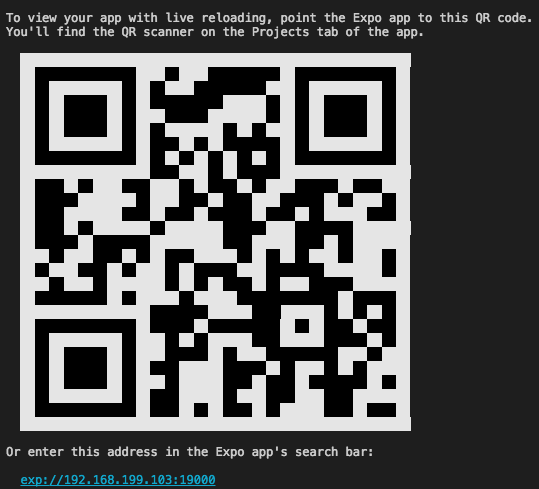
Expo Desktop Development Tool: Expo XDE
You can run the project not only in the console but also with XDE. It also supports using simulators to debug directly on your computer. The speed is decent and perfectly acceptable.
However, installing expo on my Mac simulator took quite a while. If you encounter a similar situation, be patient and wait.